Instructions for payment through the Privat24 website
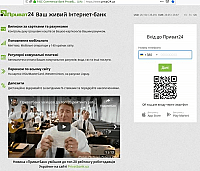
We go to the site Privat24
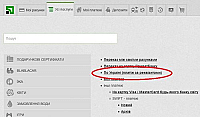
Choose «Усі послуги»
Choose «По Україні (платіж за реквізитами)»
"Створити платіж". Let's remember the data:
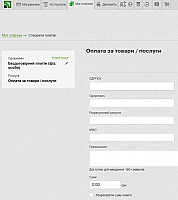
- ЄДРПОУ — 41350535
- Одержувач — ТОВ Фурніком
- Розрахунковий рахунок — UA793395000000026008531284001
- МФО — 339500
- Призначення — номер рахунку
How do I get a receipt after a successful payment?
To retrieve the receipt, go to the menu "Архів - Платежі - Грошові перекази", select the payment and press "Роздрукувати квитанцію" or "Отримати квитанцію на e-mail".
If you see a pardon, don't worry about the next hour of work with the Privat24 service. Try to change the side after one hour and enter the data again.